


Library Resources
About The Library
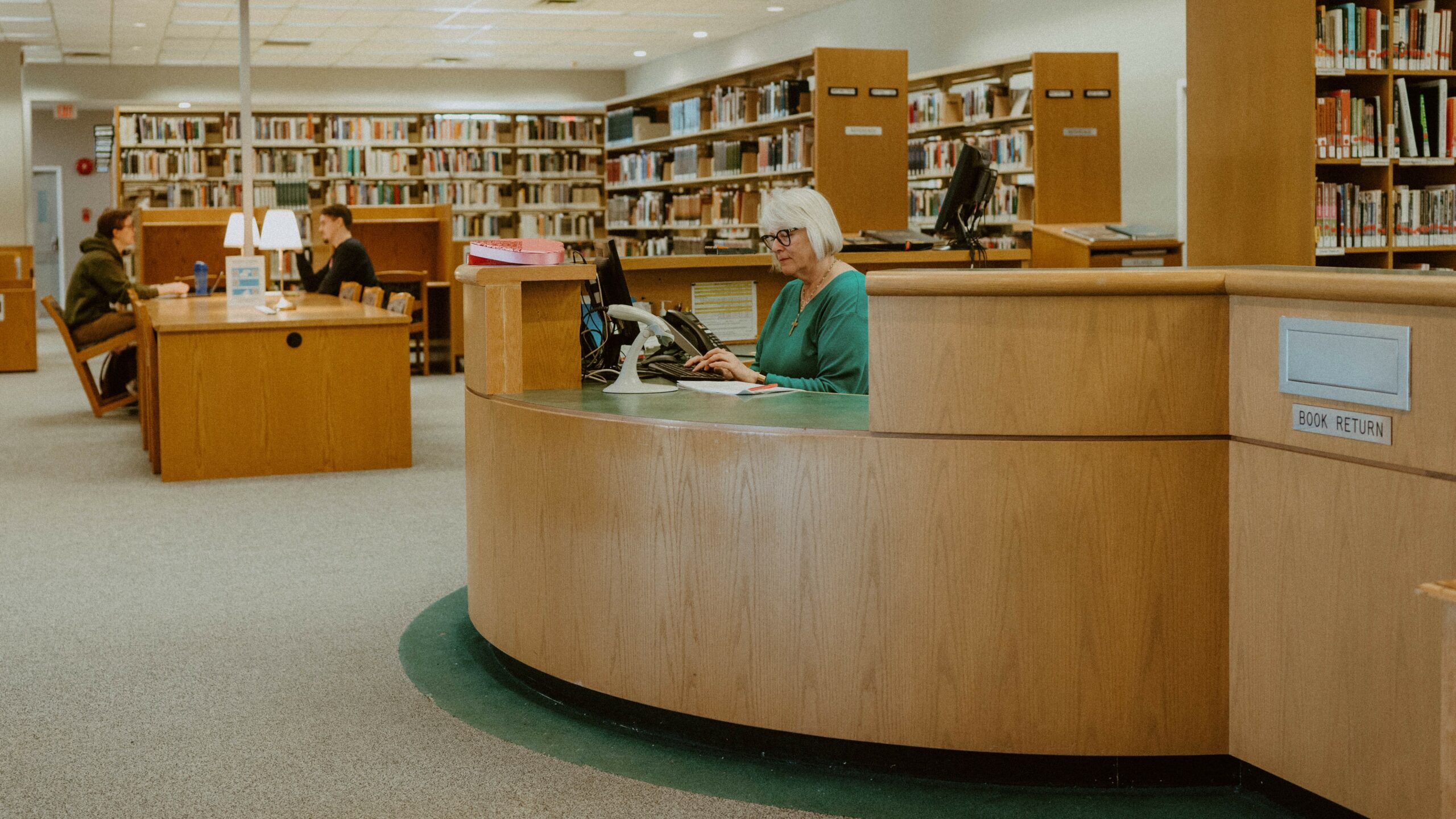
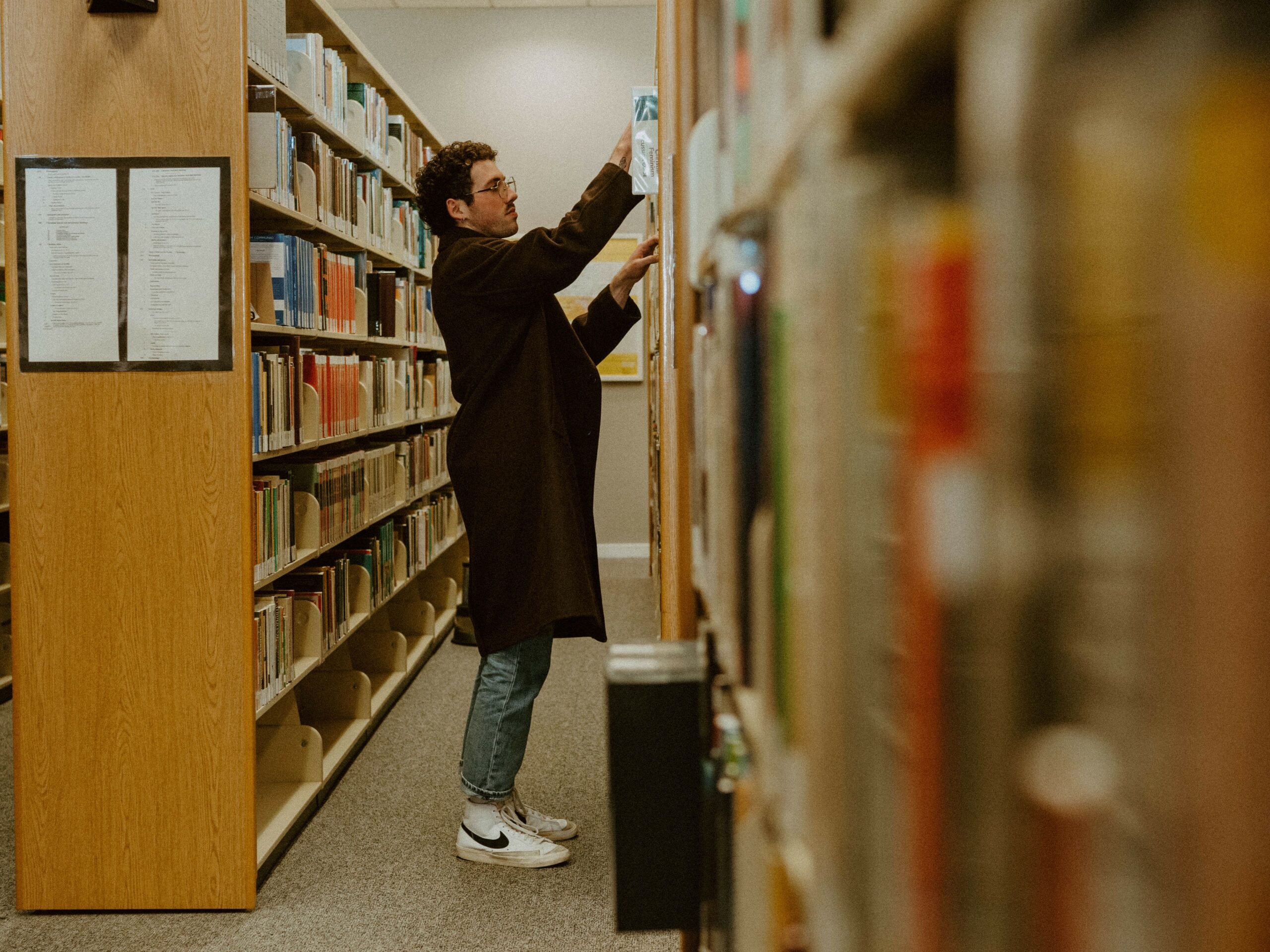
The Columbia Bible College Library is located on the 2nd floor of the Resource Centre.
The Library holdings currently include over 44,000 books, 2,000 video recordings, 2,000 compact music discs and audio cassettes, 178 periodical subscriptions in print format comprising around 6,000 volumes, and 230 online journal subscriptions. The collection also includes access to over 118,000 electronic books.
The focus of the library collection is theological and biblical studies, church history, Anabaptism/Mennonite studies (including over 3,000 books), and the contemporary church. In addition, Columbia’s Library supports the program majors.
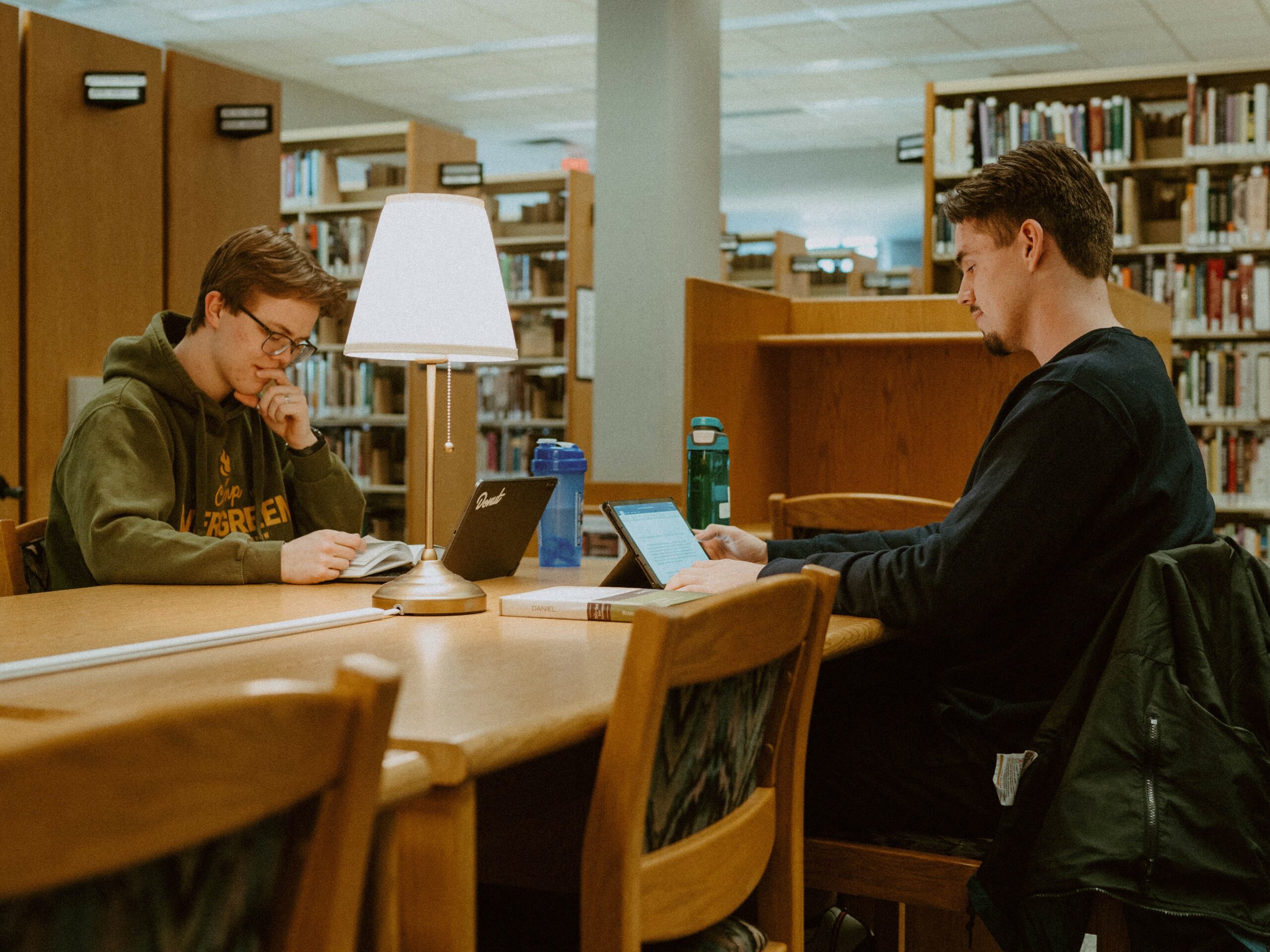
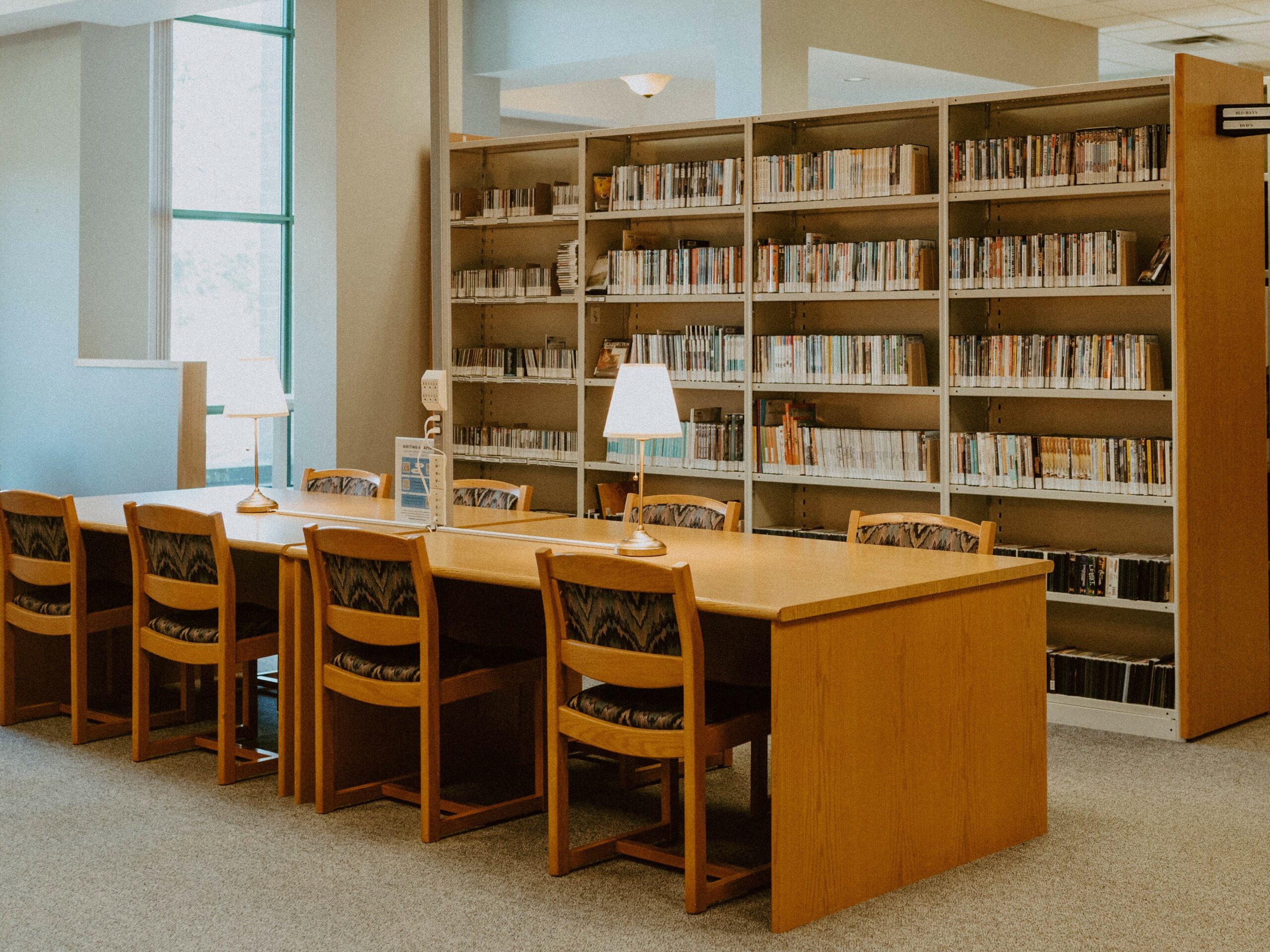
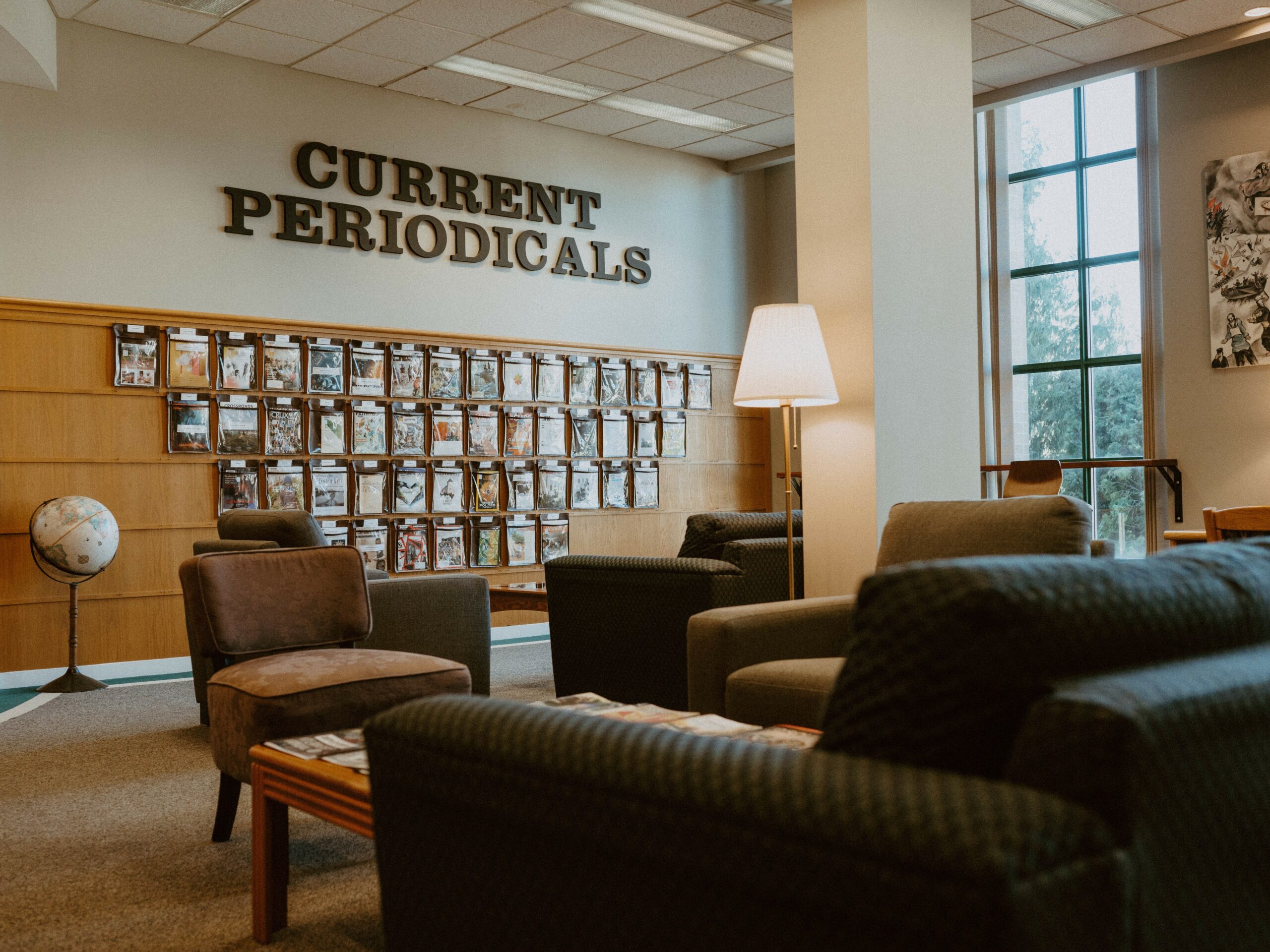
Library computers provide internet access, including access to the library catalogue and other information resources. The Library provides a quiet, well-lit study space for about 80 students and includes wireless access and plug-in access for laptops. Group study rooms and audio/visual equipment are also available.
The Library serves the Columbia community and its constituency, and is open to the public.


Hours of Operation
The library is CLOSED until September.
Have a great summer!
For more information for community borrowers, click here
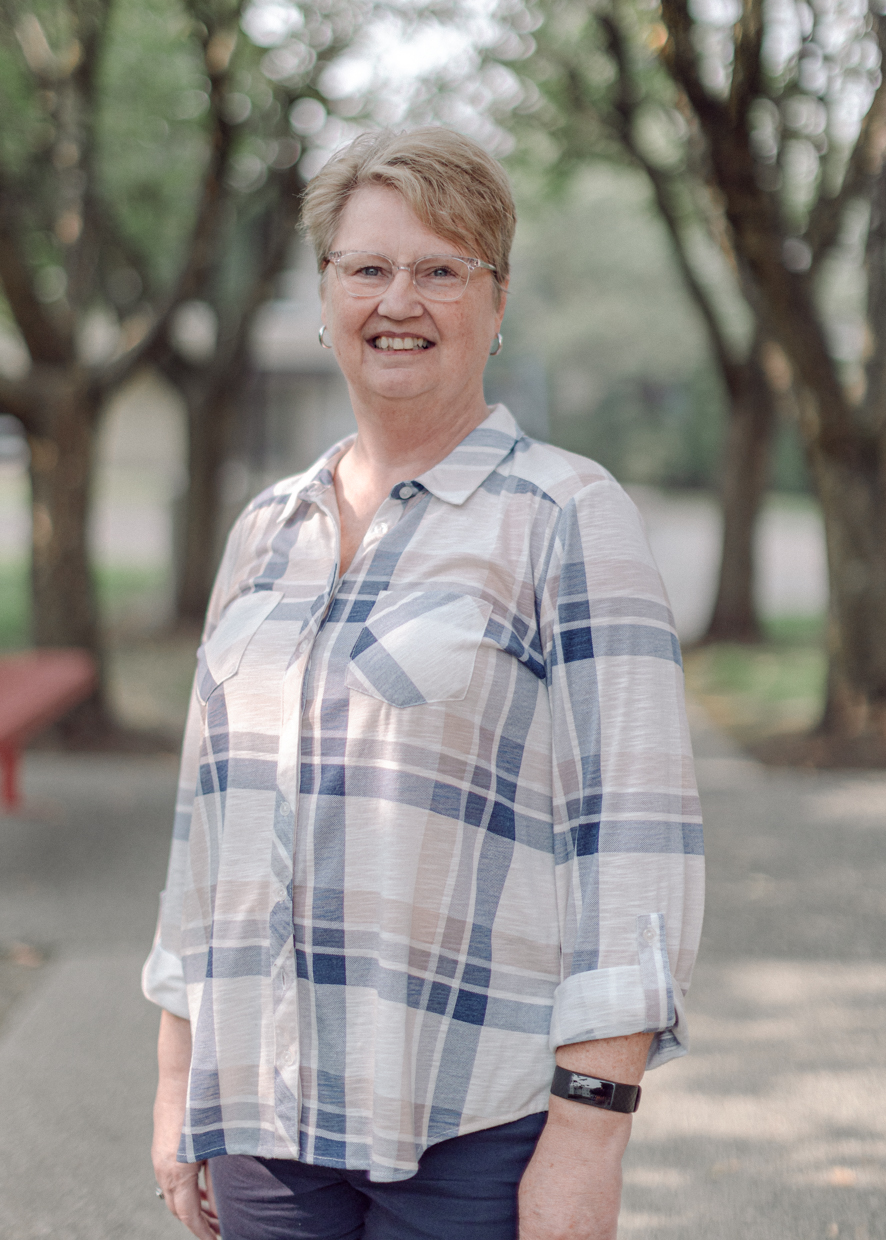
Library Contacts
Lending Policies
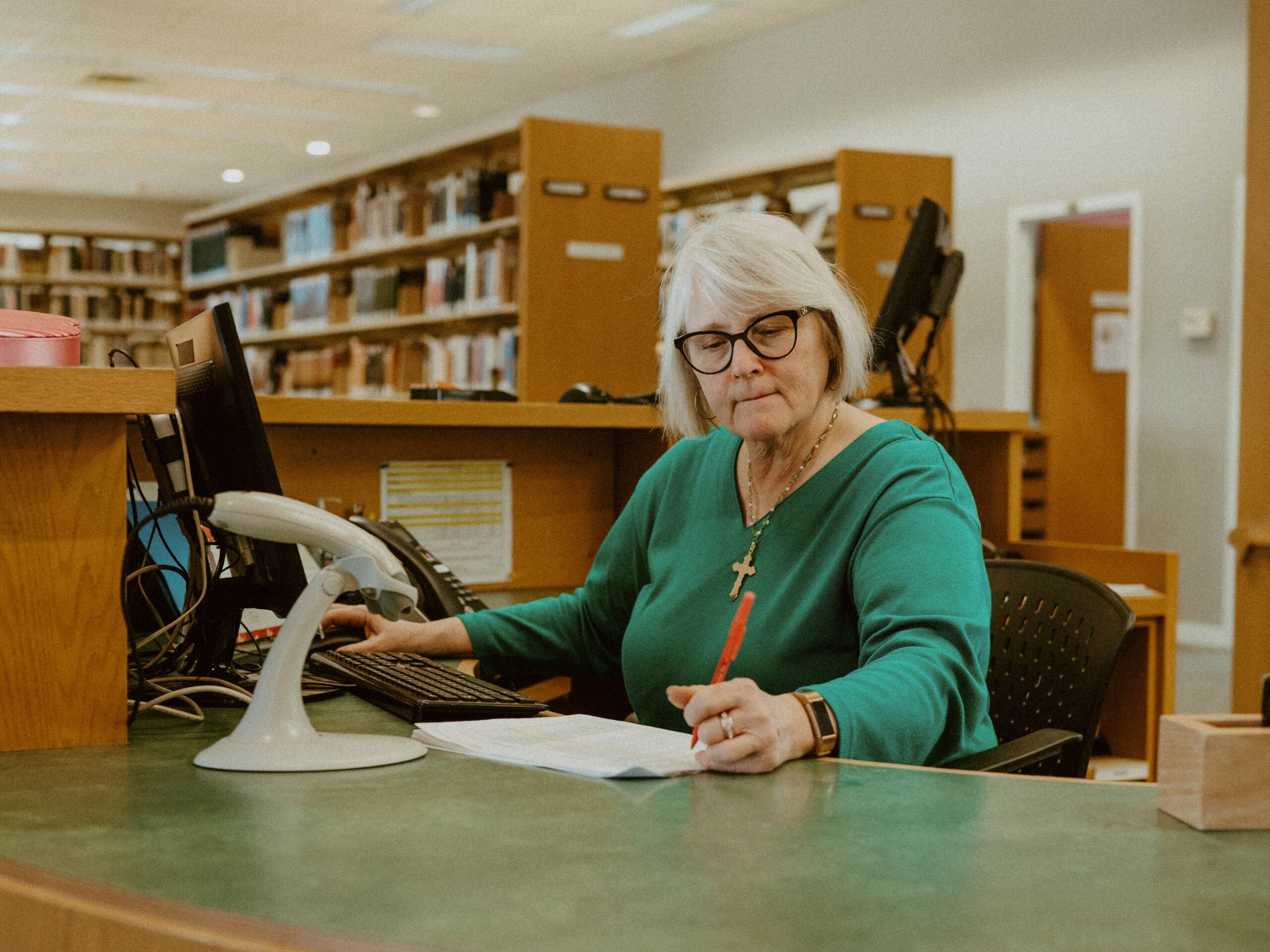
All registered Columbia Bible College students, staff, faculty and sessional instructors are issued ID cards, which serve as Library cards. Library cards must be presented in order to borrow material from the Library.
Students, faculty, and staff from the following institutions also have free borrowing privileges: Mennonite Brethren Biblical Seminary (MBBS), Trinity Western University (TWU), ACTS Seminaries, University of the Fraser Valley (UFV), and CBC alumni. Community borrowers may apply for a library card for an annual fee of $30. If access to the college library during the Library’s opening hours in the evenings and on Saturdays is required, there is an additional fee of $25 for a CBC prox card.
Access to ATLAS and PROQUEST journal databases from remote locations is unavailable to external borrowers due to access restrictions based on licensing agreements with the database vendors. However, external borrowers may access the databases from the library or on-campus computers.
Please note that reciprocal borrowing privileges for Columbia students have been arranged with Trinity Western University Library. Columbia students need to present a valid Columbia Bible College student card to register with the TWU Library.
Loans & Fines
Loan Periods
| Books, Videos, CDs, DVDs, Audio Cassettes | 14 days (students and external borrowers) | |
| 30 days (faculty, staff, sessional instructors) | ||
| Periodicals (Journals and Magazines) | 3 days | |
| In-Library Use Only (current issues) | ||
| Course Reserve Readings | Preset by Instructor | |
| Overnight Reference Books/Overnight Course Reserves | Checked out 1 hour prior to closing time and due within 1 hour of opening the following day |
Fines
Library fines occur when an item is overdue and/or lost or damaged.
- Fines will not be forgiven for reasons such as failure to receive an overdue notice, forgetting due dates, or failure to renew materials on time.
- Fines over $10.00 must be paid before items can be renewed or checked out.
- Overdue notices by email are issued as a courtesy to all library users. To receive notification about an overdue item, please provide the library with your current email address.
- Non-receipt of an overdue notice does not exempt a borrower from applicable fines or billings.
- Fines may be paid by cash or cheque at the library circulation desk at any time, or by credit card at Reception (1st floor Resource Centre) during regular office hours.
Please note that non-payment of bills may also result in withholding of grades and transcripts. Borrowing privileges will be suspended for (a) owing fines or charges of $10.00 and over, and/or (b) unpaid fines or charges from a previous academic year. You may check your account balance in My Library Account at any time.
| Books, Videos, CDs, DVDs, Audio Cassettes, Periodicals | $0.50/day | |
| Course Reserve Reading | $0.50/hour* | |
| Overnight Reference Books/Overnight Course Reserves | $0.50/hour* | |
| Lost or Damaged Items | Replacement cost plus $15 processing fee |
*Fines begin accruing immediately at the rate of $0.50/hour. Fines will also acrue when the Library is closed. Overdue notices are not sent for course reserve or overnight loans.
Renewals
Borrowers may renew items through the online catalogue, in person, by phone (604-853-3567) or by email. If an item has been placed on hold by another patron, you will not be able to renew it. Overdue fines will be charged for overdue items (fines policy applies). Course Reserve items may not be renewed.
To renew an item in the online catalogue:
- Go to the Library Catalogue
- Select “My Account”
- Enter your Library or ID card number and password. If you do not have a password, select “Forgot your password” to generate a new password.
- Select “Items checked out”
- Select Renew Selected Items
- Select OK
If you have difficulty accessing your account, please contact the Library for assistance.
The waiting period for a Course Reserve item to be checked out again by the same borrower is the time comparable to the loan period of the item (2 hour, 4 hour and 1 day).
Holds
A hold may be placed on an item that is on loan to another user (except instructor’s course reserve items) through the online catalogue, by phone (604-853-3567), in person, or by email. Please note that holds will not be accepted for course reserves.
To place a hold using the online catalogue:
- Got to the Library Catalogue
- Login in to “My Account”.
- Enter your Library or ID card number and password. If you do not have a password, select “Forgot your password” to generate a new password.
- Search for your item by keyword, title or author
- Select the title
- Select “Place a Hold” at the top right corner. Please note that the item must be “Checked Out” in order for your hold to become successful. If the item is “Available”, the hold will not be accepted.
If you have difficulty accessing your account, please contact the library for assistance.
If you do not have a password please contact the library, for a temporary password. If you place a hold in the library catalogue and it is successful, you will receive a notice when the item becomes available. To check if the library has an item, please see the Library Catalogue.
Technology
The Library offers students access to computers, printing, photocopying, wireless internet, and direct plug-in internet access for laptops.
Wireless Internet Service
Wireless Internet access is provided at no additional costs to our students and other patrons of the College, and is available in every building on campus, except the Teaching Center. If you have a device with wireless capability, simply view available networks, select Columbia Bible College, and enter the password. Current students can also obtain the Wifi password by logging into MY CBC. Visitors may obtain the guest password from any staff host or the Receptionist.
Please read the CBC Wireless Usage Policy
Public Internet usage CBC provides students with access to the internet via: Workstations that are situated throughout the campus (Library, Commuter Lounge, Student Lounge) Wireless Pay per Use plans are available for students with computers and other devices. Public Internet is available through wired ports in every classroom, as well as the library, and wirelessly throughout the campus, except in the Teaching Center.
By using CBC web services you agree not to use this service to do any of the following:
-
- Harass, stalk, defame, abuse, threaten or otherwise violate a person’s legal rights including their privacy rights.
- Mass collect information about others (harvest), including e-mail addresses, mailing address and phone numbers.
- Create a false identity for the purpose of misleading others. Impersonate someone else.
- Promote or Post any profane, harassing, threatening, obscene, defamatory, unlawful, vulgar, hateful, or indecent material.
- Promote or Post any files that contain images or software protected by intellectual property laws, copyright or trademark laws without proper permission from the owner. Upload files that contain viruses, worms, or any similar program that may cause harm to another’s computer or data.
- Use our web systems in connection with spamming, pyramid schemes, chain letters.
- Prevent another user from accessing the site or the tools therein.
Attempt to hack into, deny service to, or disrupt service to any CBC web system.
- Promote, Post, or Participate in any activity in violation of our Community Standards.
CBC reserves the right to remove any information deemed inappropriate or infraction of these terms of use at its sole discretion. CBC also reserves the right to terminate anyone’s access to our services without notice, at any time, for any reason.
Other Services
Book Wrap Service
Do you have a hardcover book with a paper book jacket that you would like to protect? Bring it to the CBC Library! For $4 per book, we will wrap the book jacket with a mylar plastic cover.
For more information, contact Tena Atsma at tena.atsma@columbiabc.edu or call 604-853-3567 ext. 331.